Overview
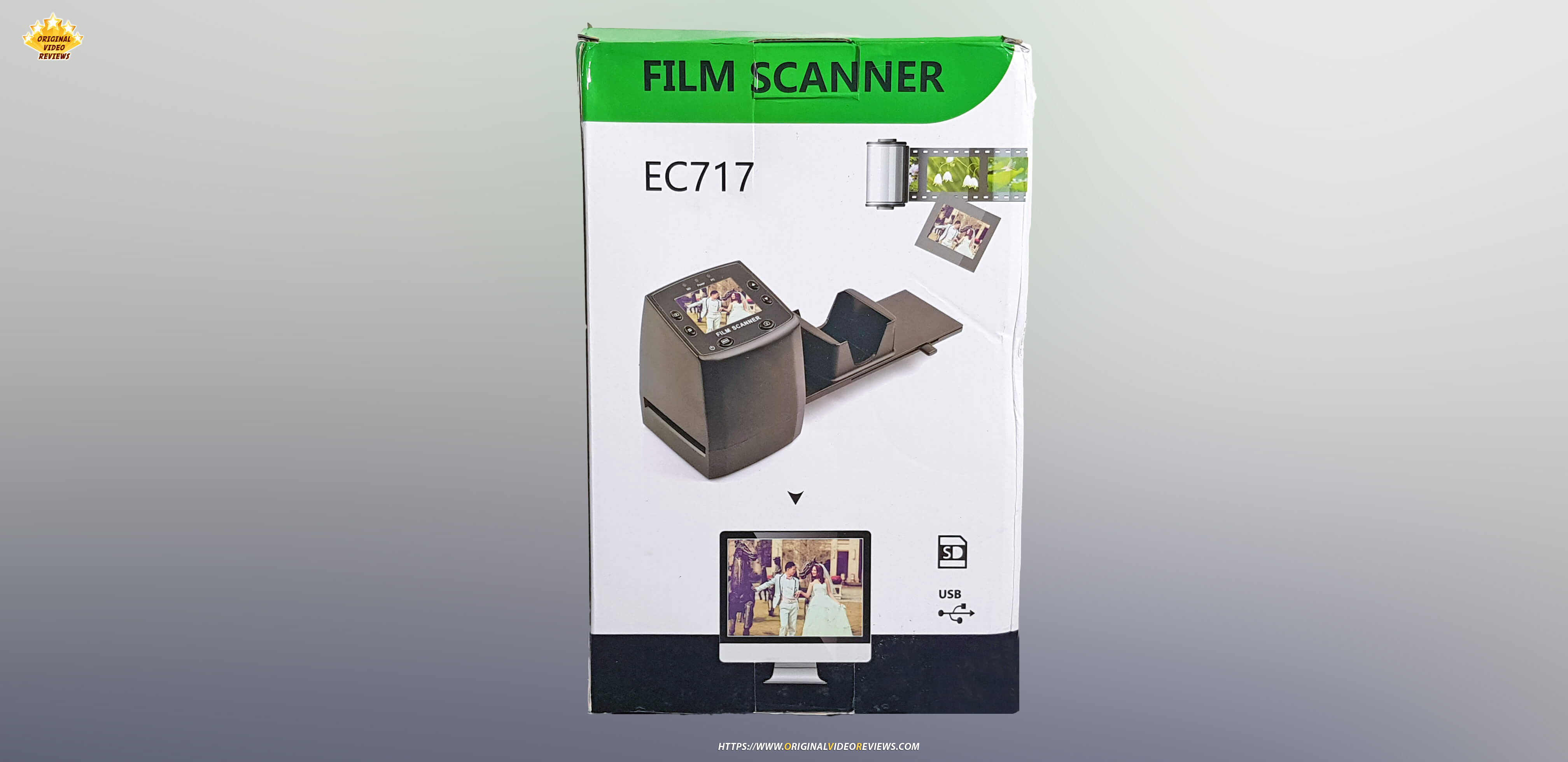
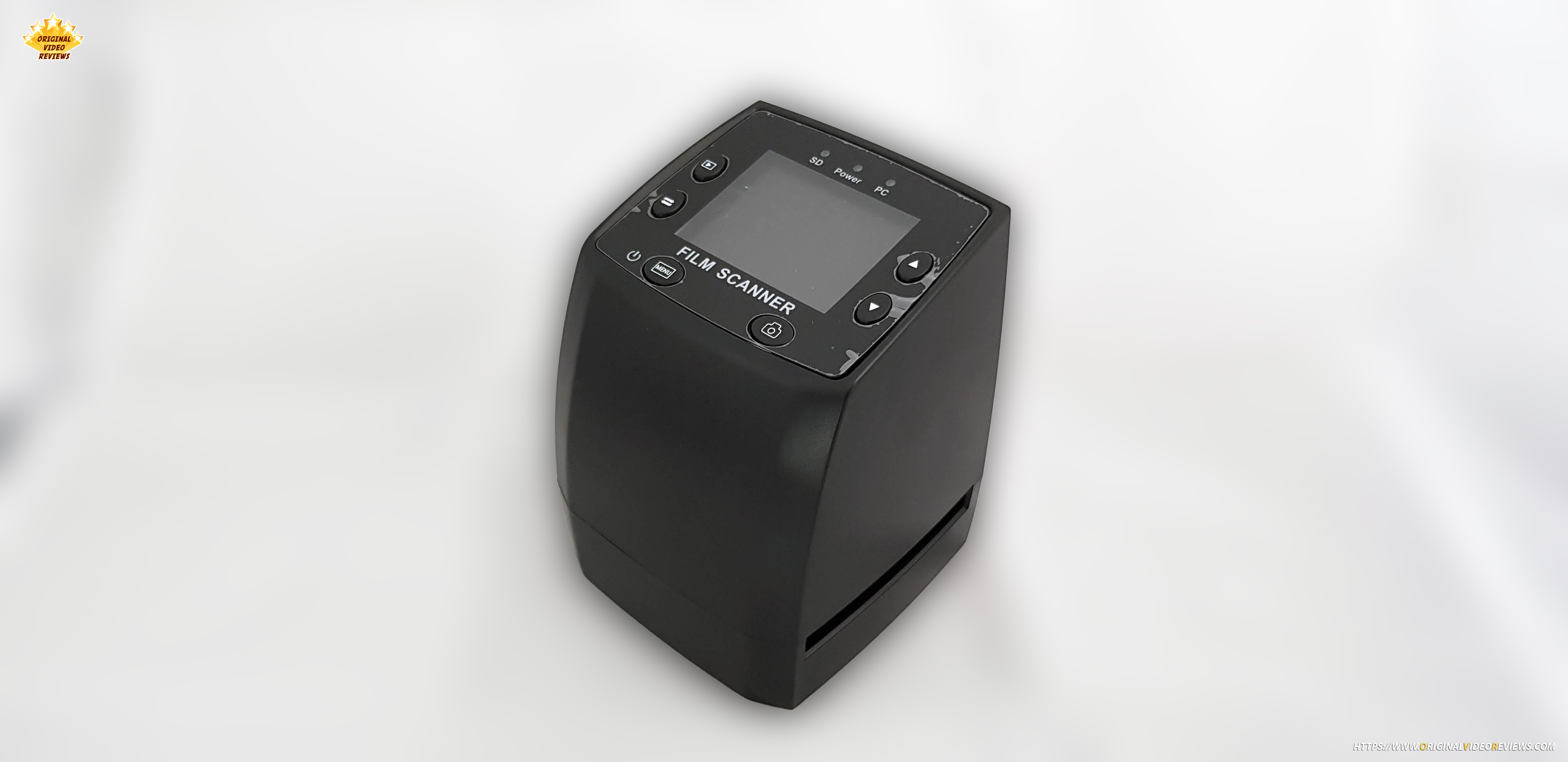
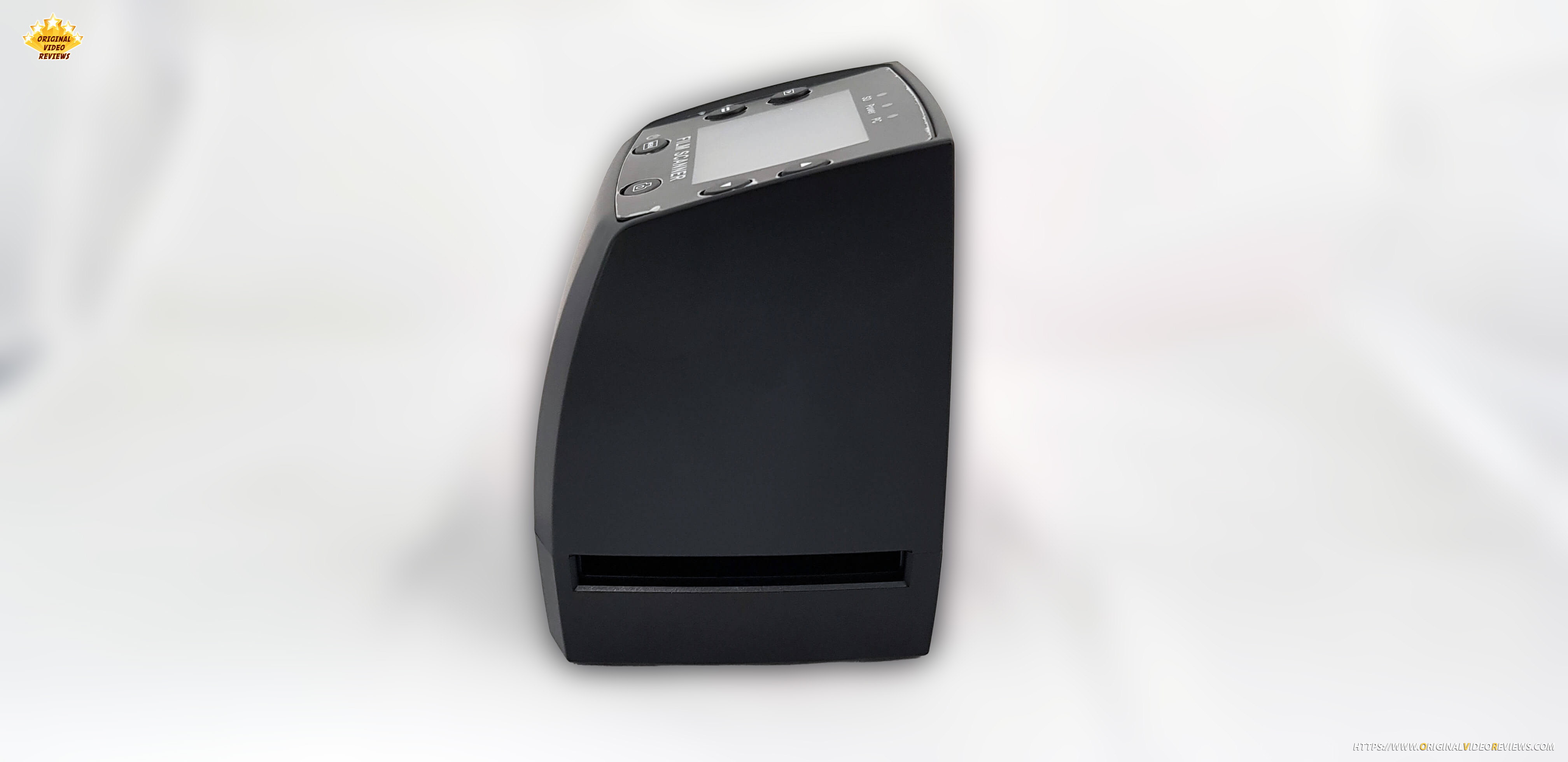
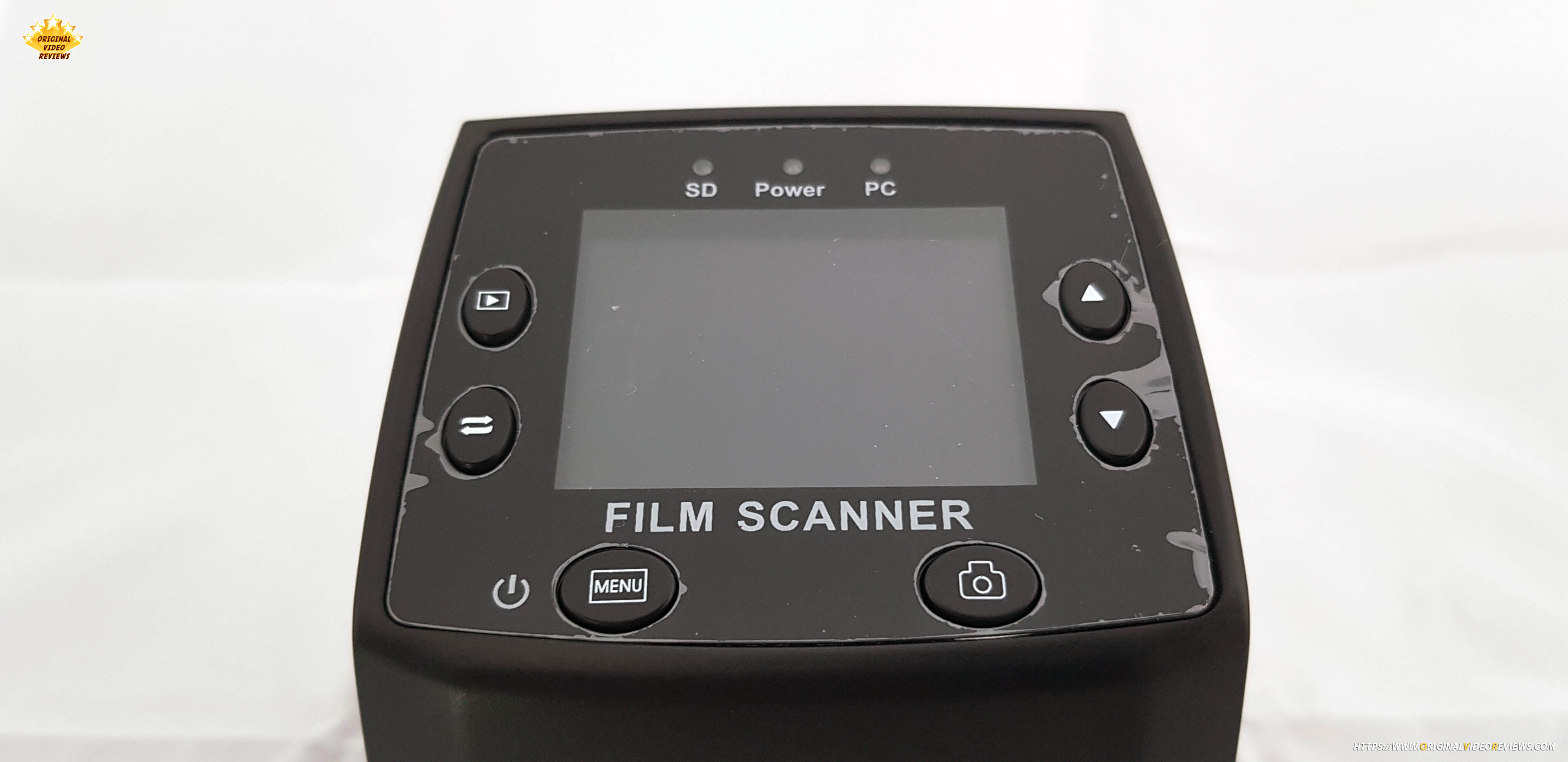
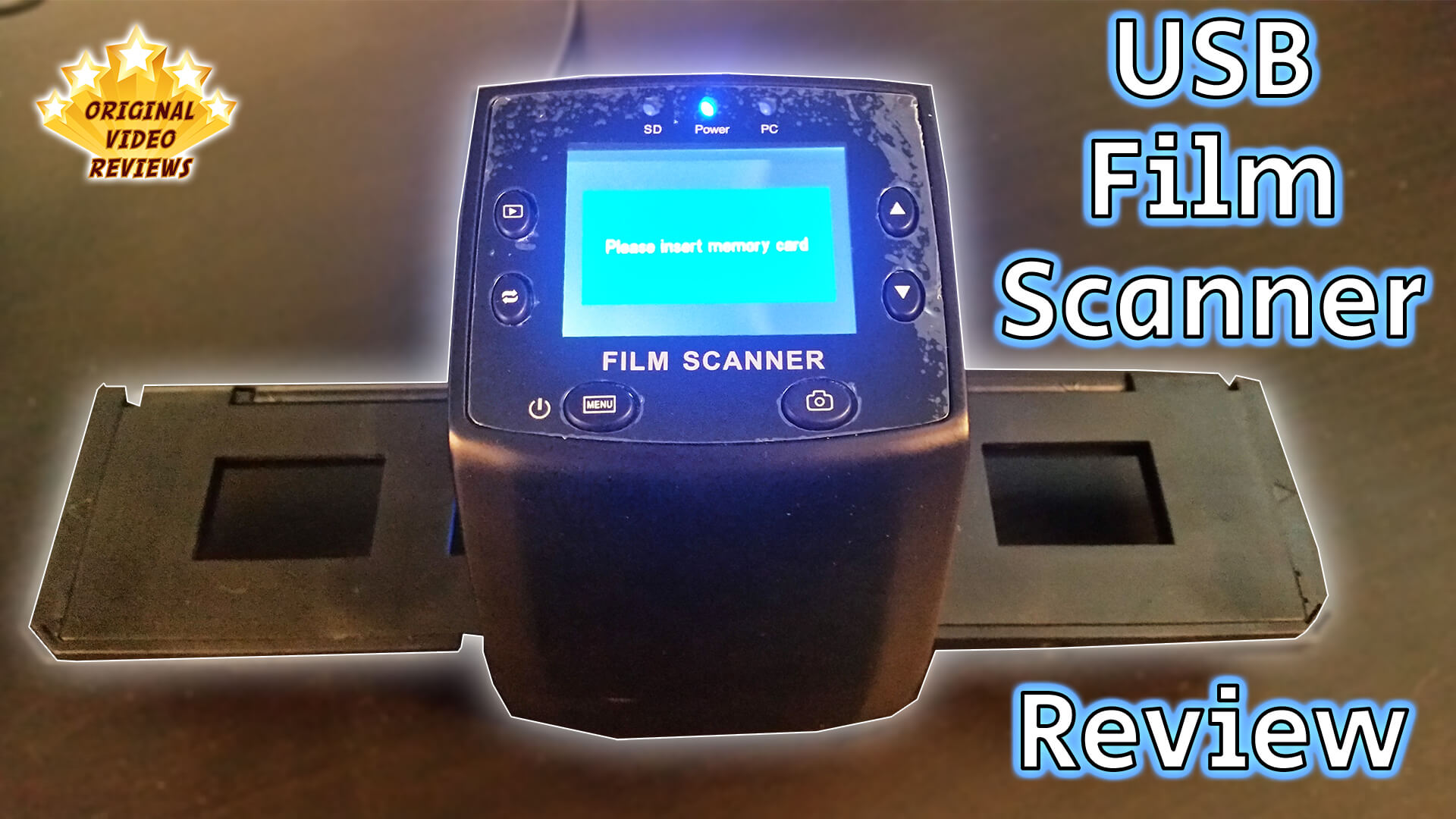
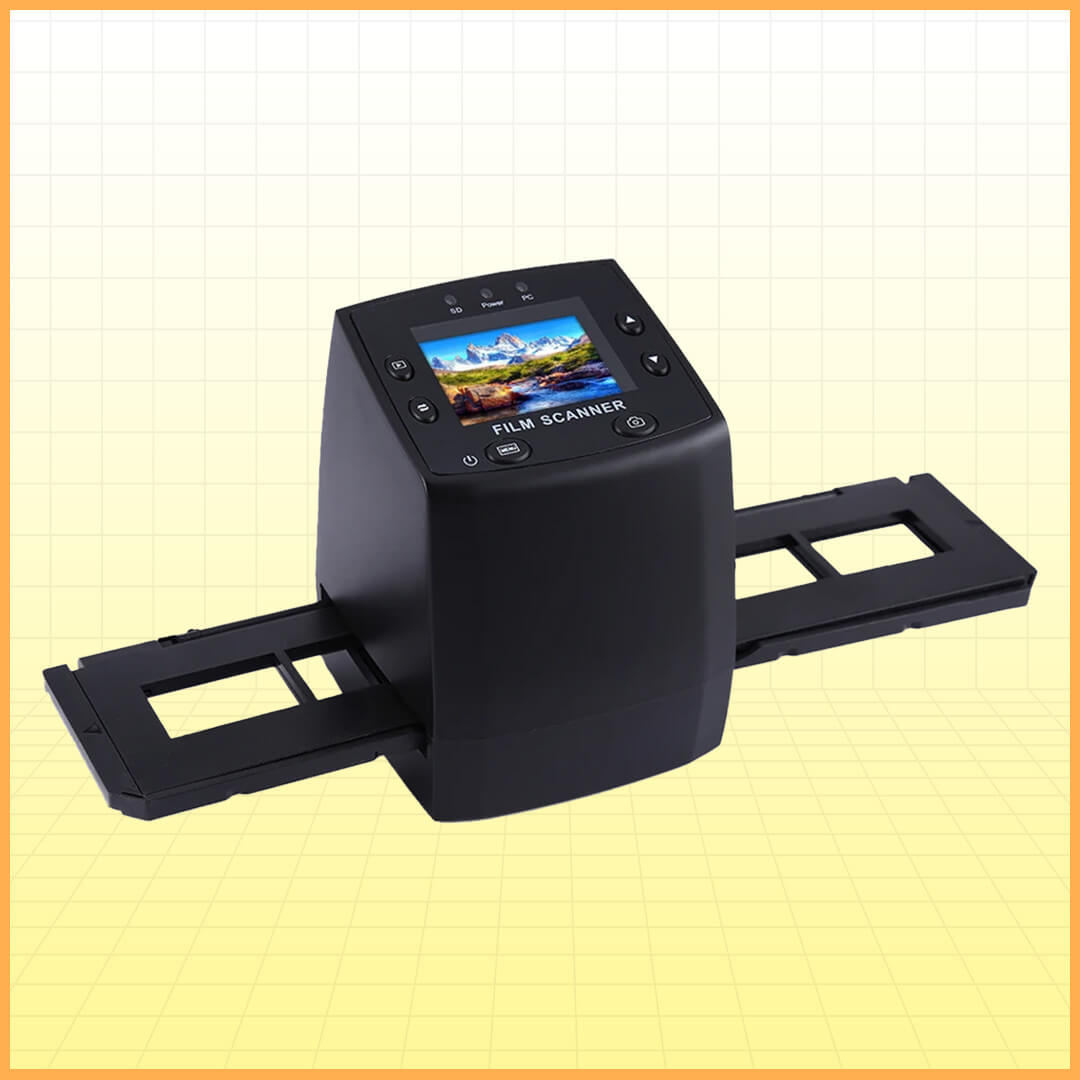
The EC717 negative film scanner allows you to digitize your old film negatives and slides, so you can enjoy them again on your computer or phone.
Product details
Brand: N/A (You can find this device under various labels)
Model: EC717 (You can find this device under various labels)
Specifications
| Interface | USB 2.0 |
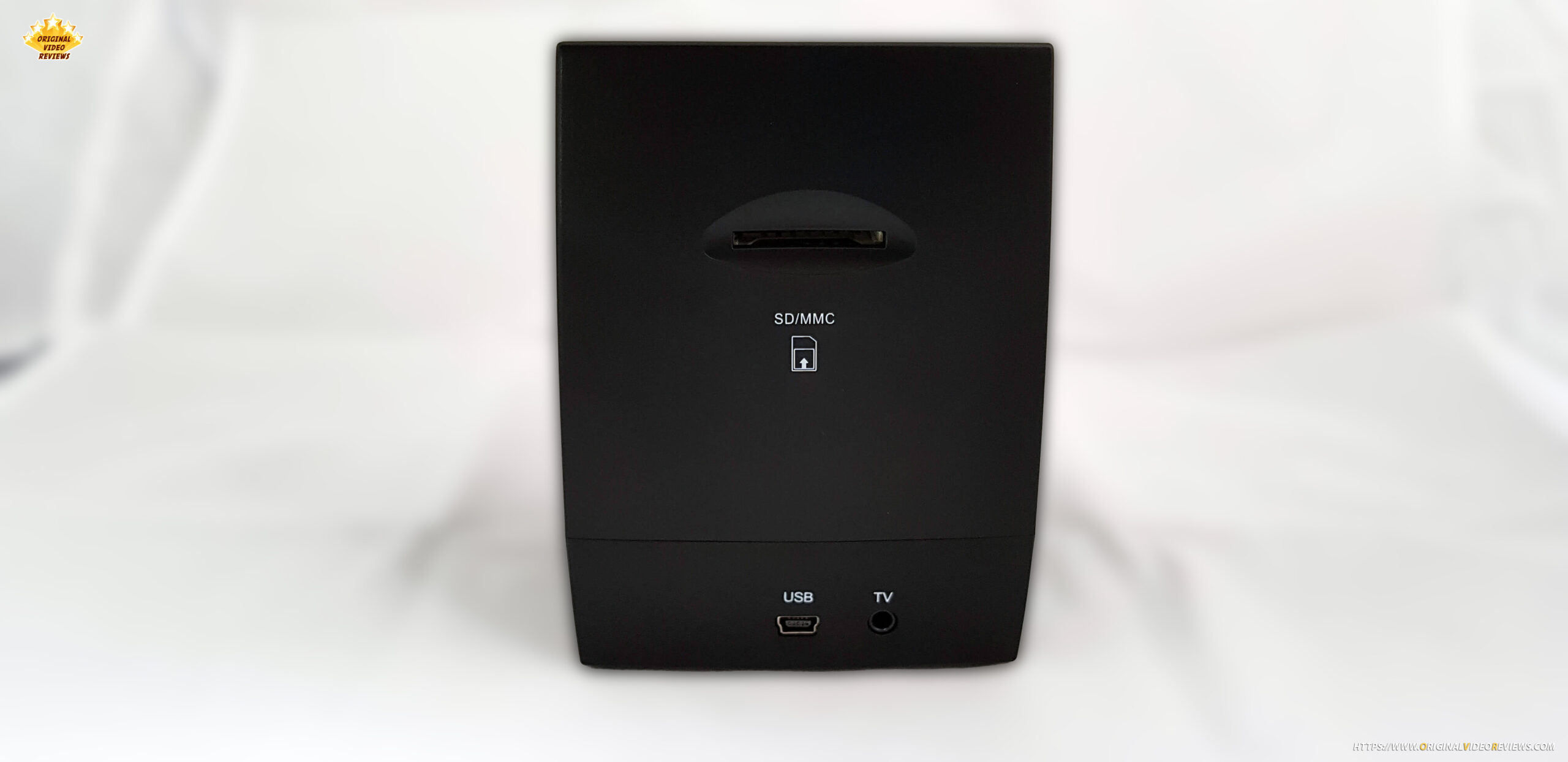
| External memory | SD card, up to 32GB |
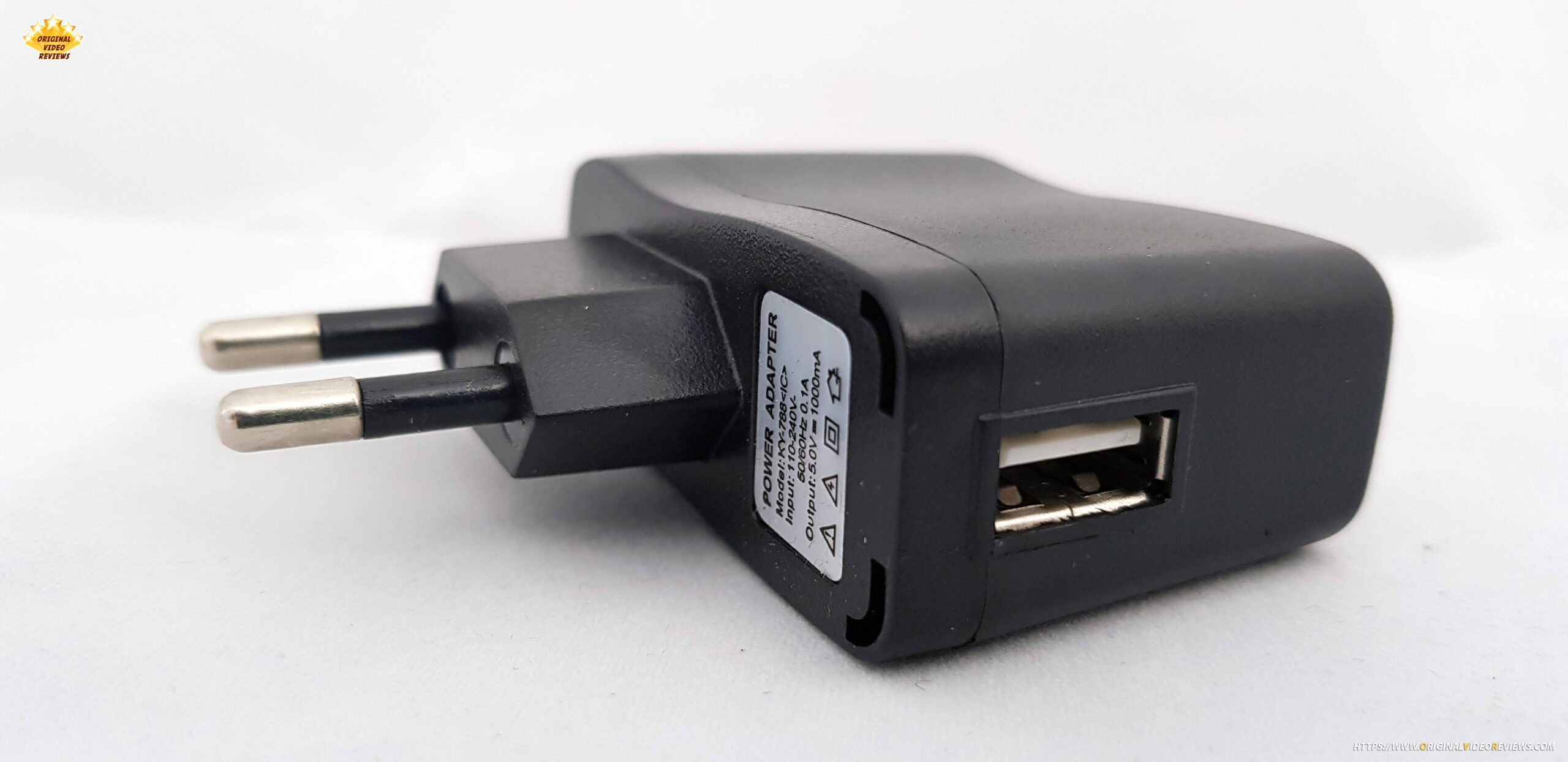
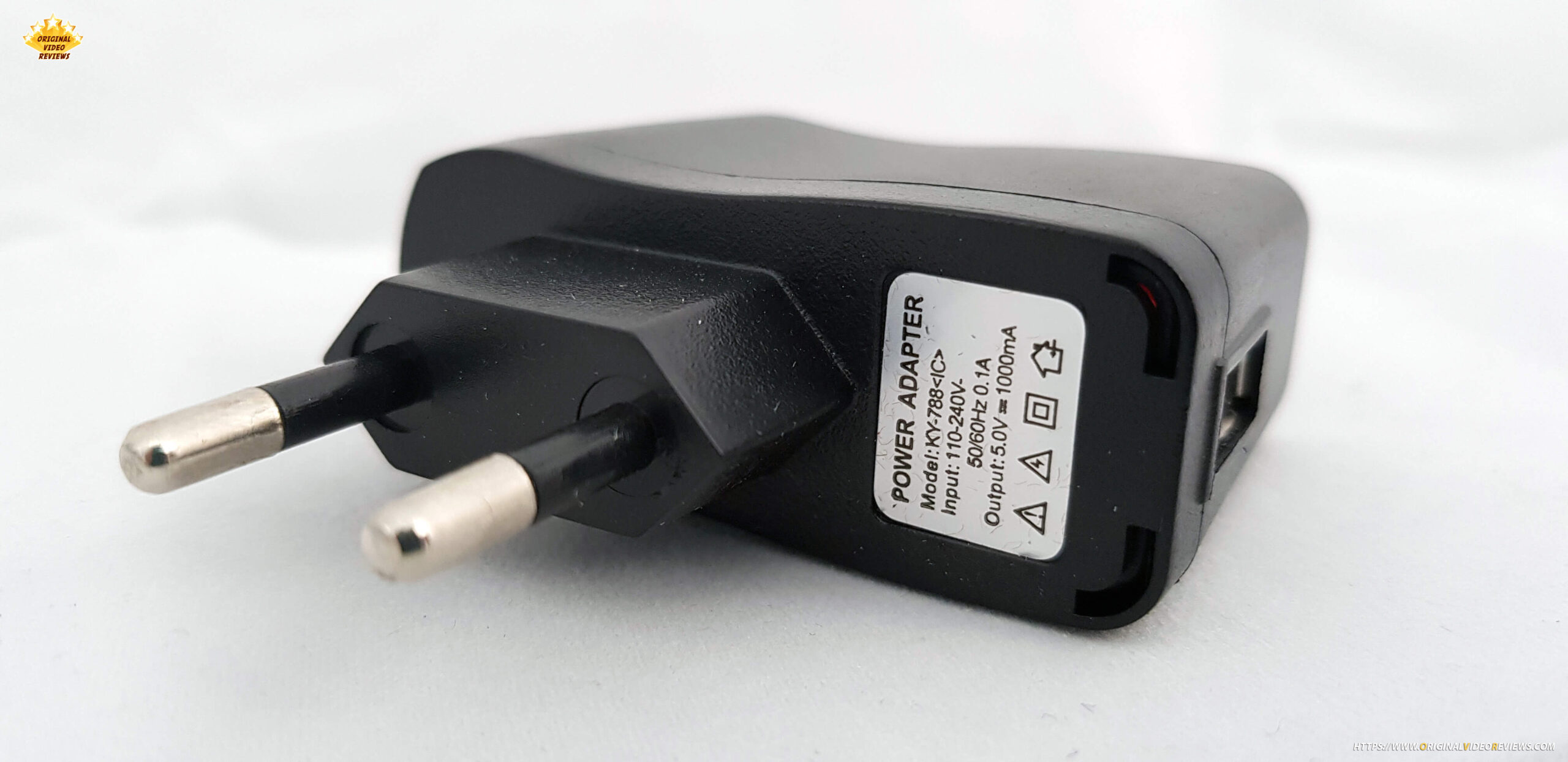
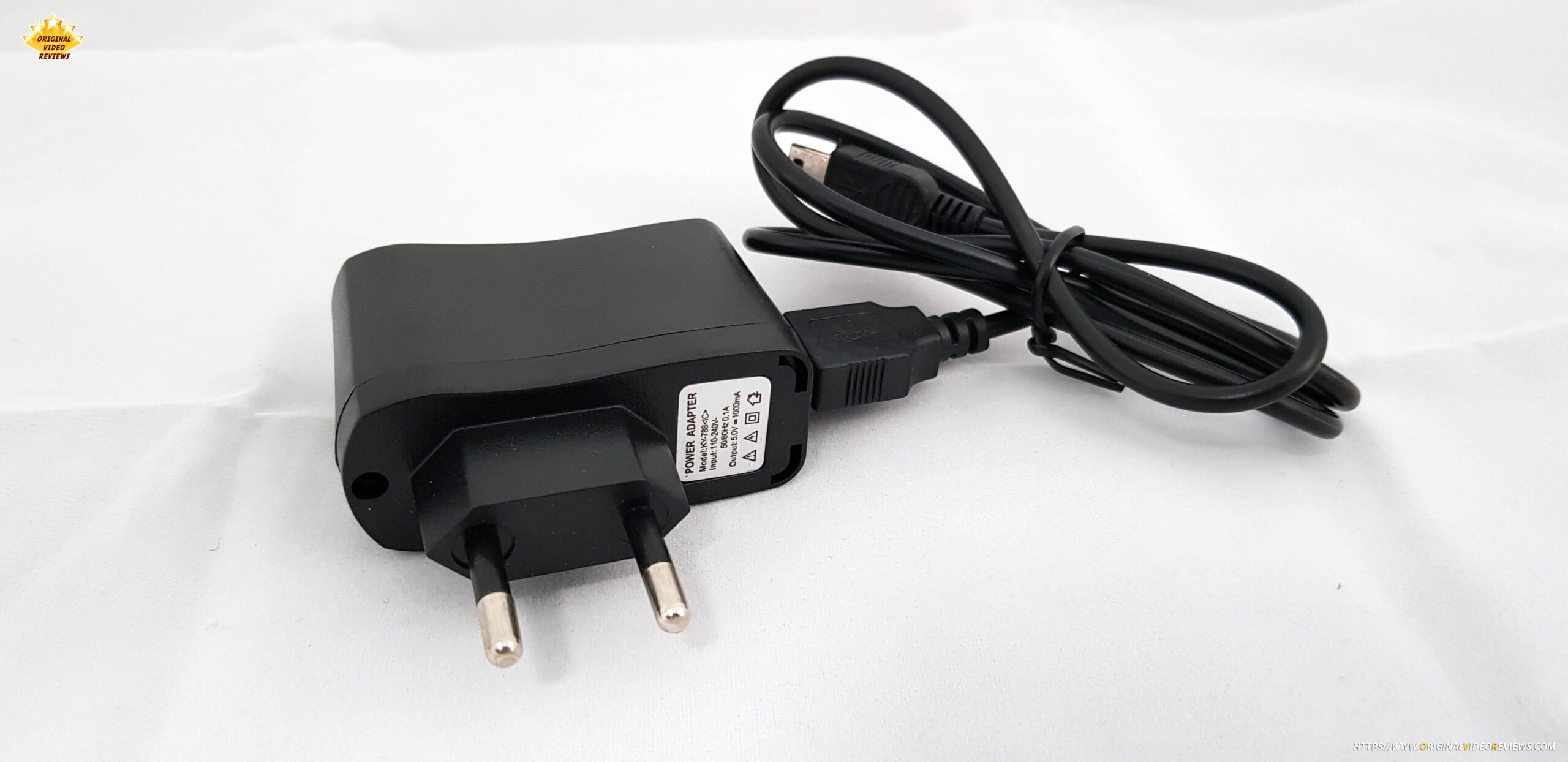
| Power supply | DV 5.0V |
| Light source | LED back light |
| Image Sensor | 5.0 mega pixels (2592×1944) |
| Display | 2.36 Inch TFT LCD screen (480×234) |
| Focus range | Fixed focus |
| Exposure control | Automatic / Manual |
| White balance | Automatic |
| Resolution (of scanned files) | 5 / 10 mega pixels (Interpolation) |
| Scan quality | 1,800dpi / 3,600dpi (Interpolation) |
| Film type | 35mm film, monochrome, slide |
| Picture effects | B&W, Slides, Negatives |
| (Saved) files format | JPEG |
| TV Out type | NTSC / PAL |
| Operating System | Windows, MacOS |
| Languages | English, German, Italian, Spanish, French, Chinese, Japanese |
Inside the box
Scanner x 1
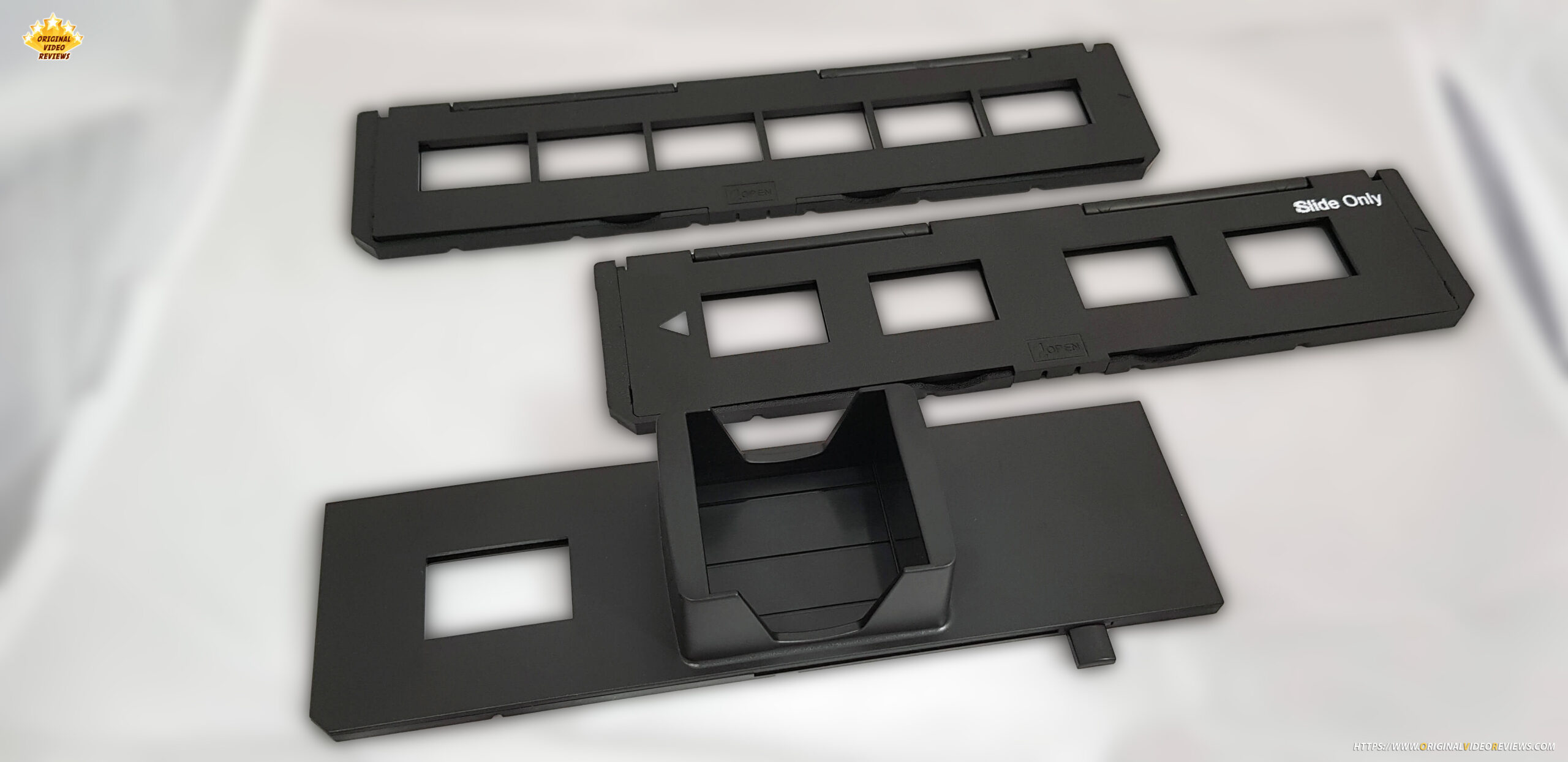
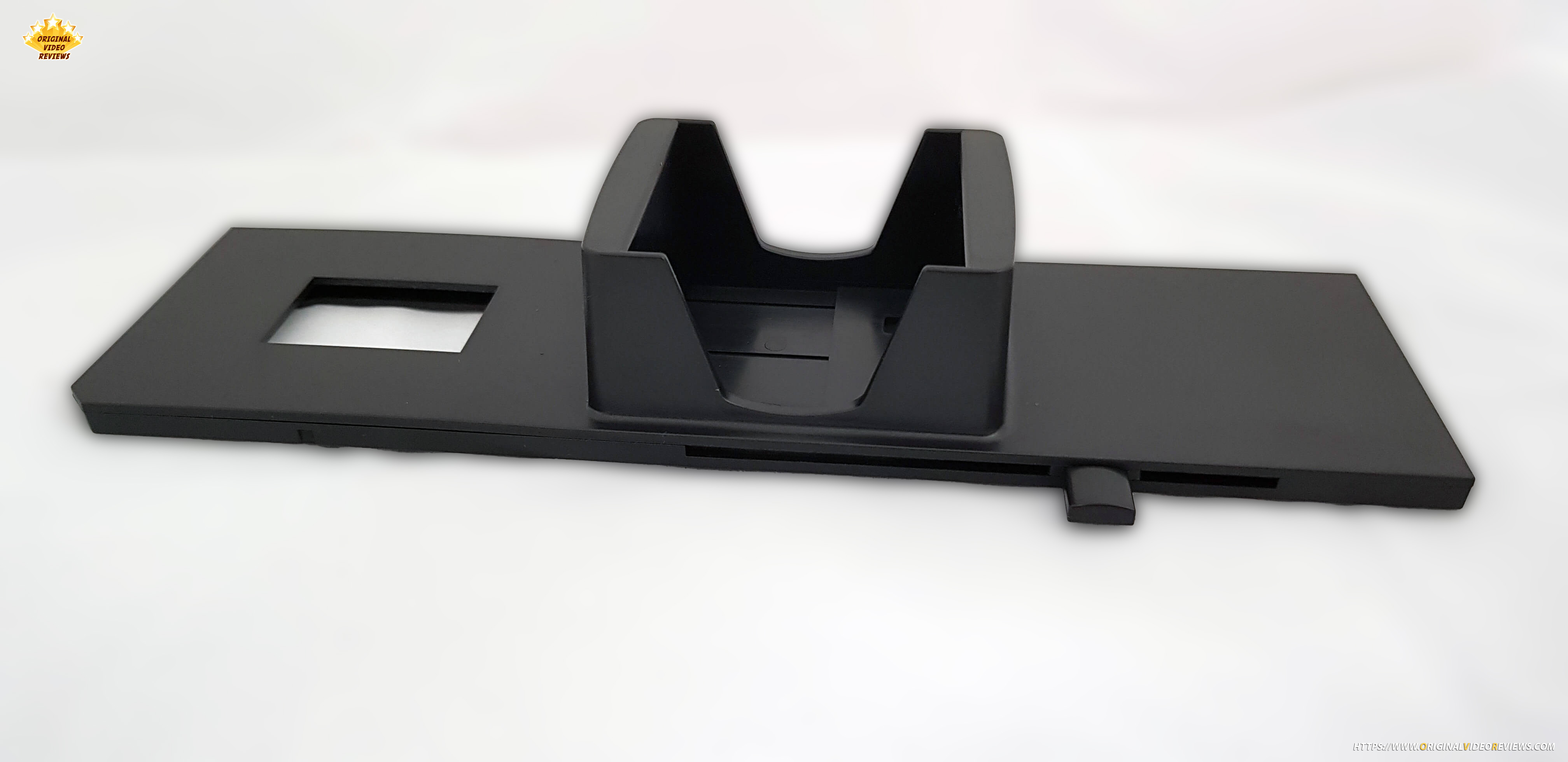
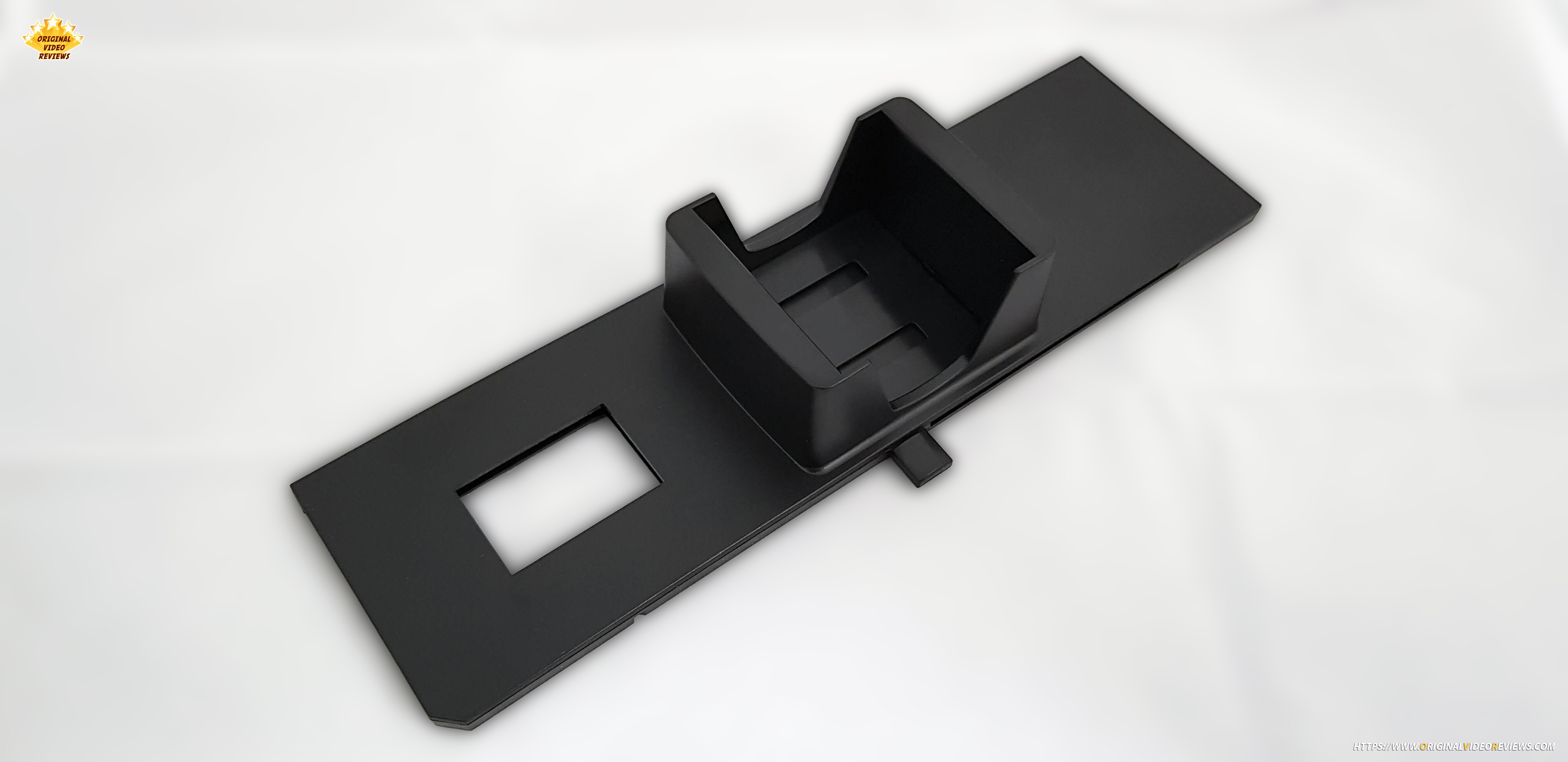
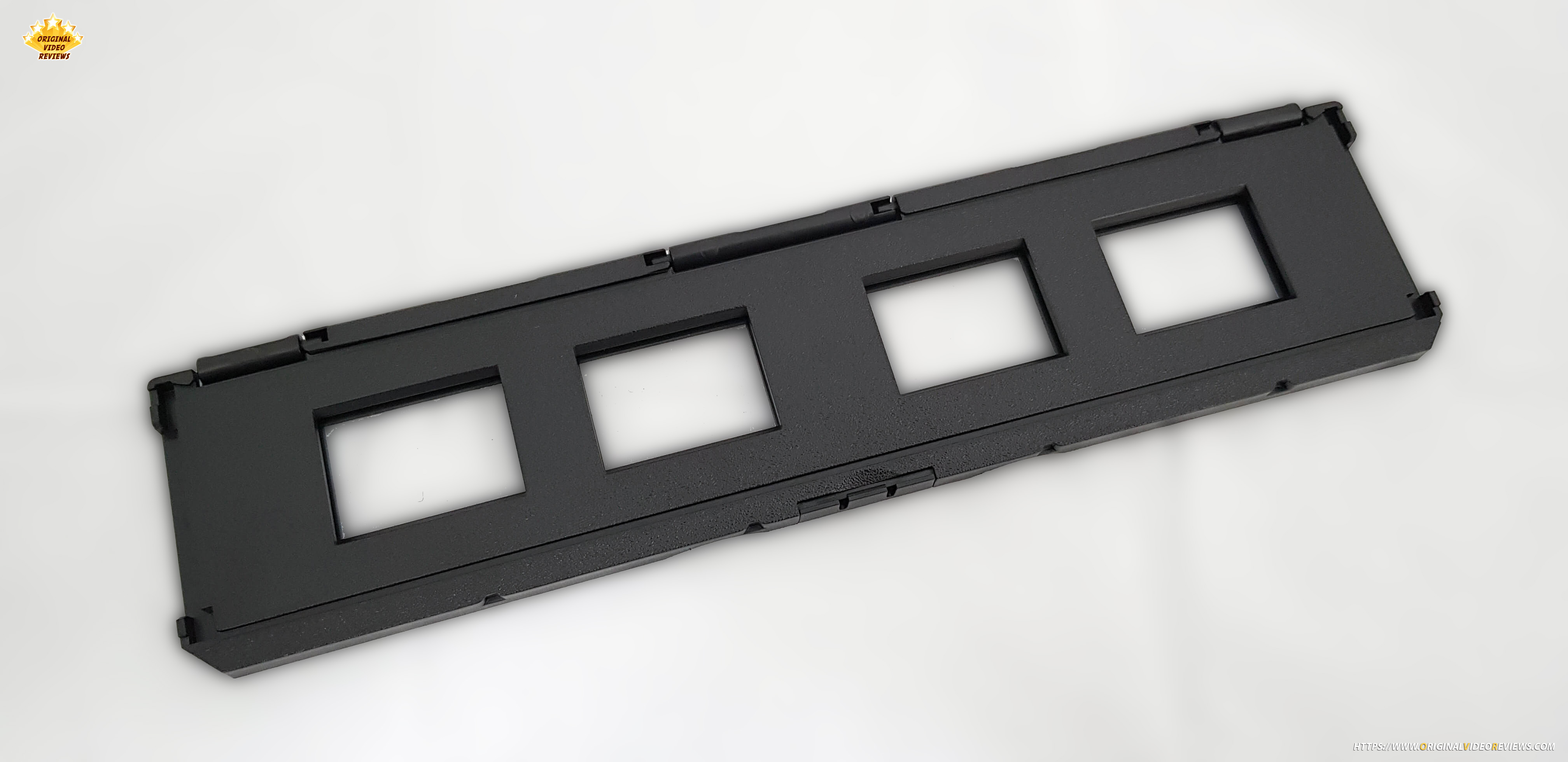
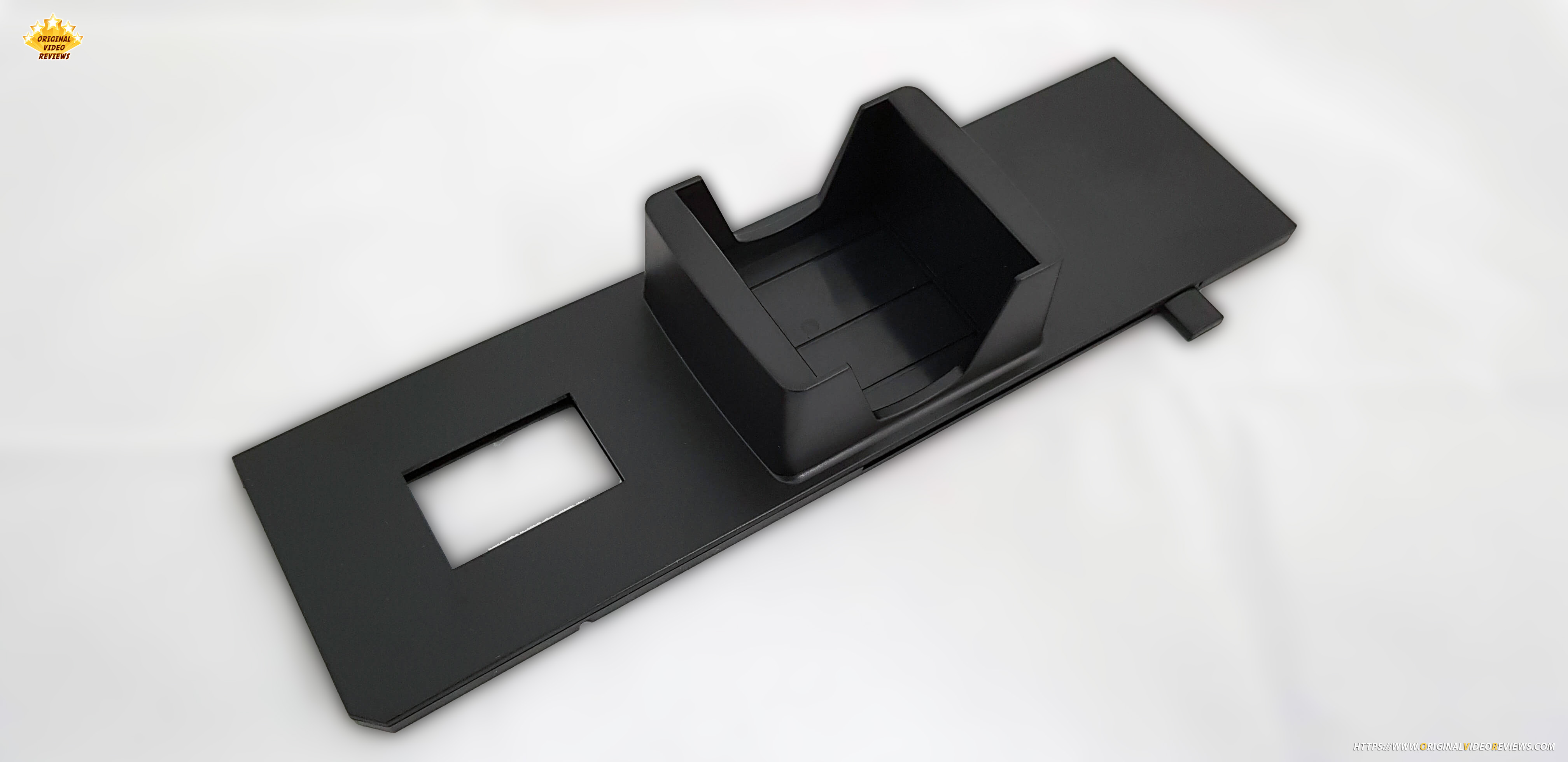
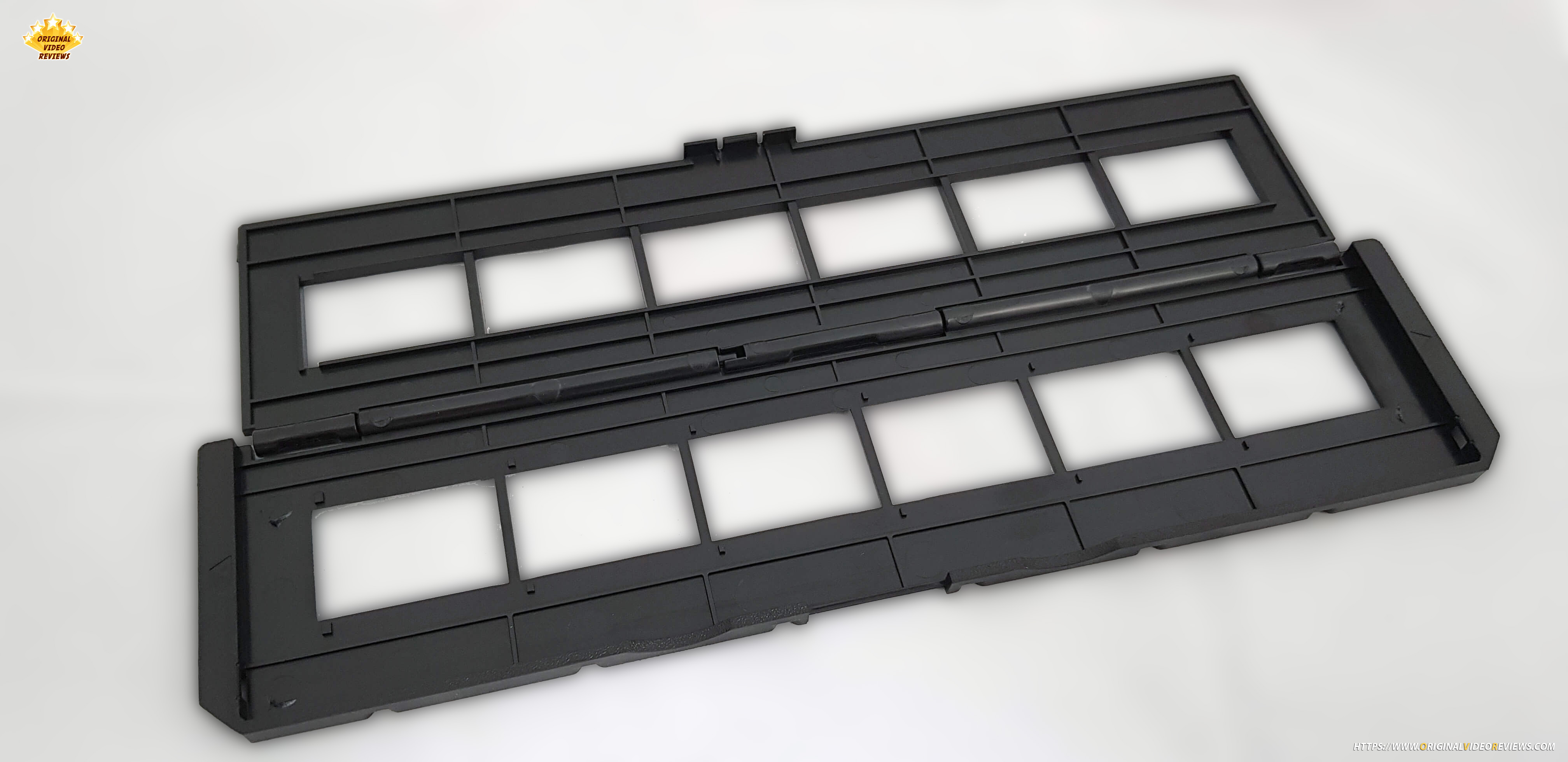
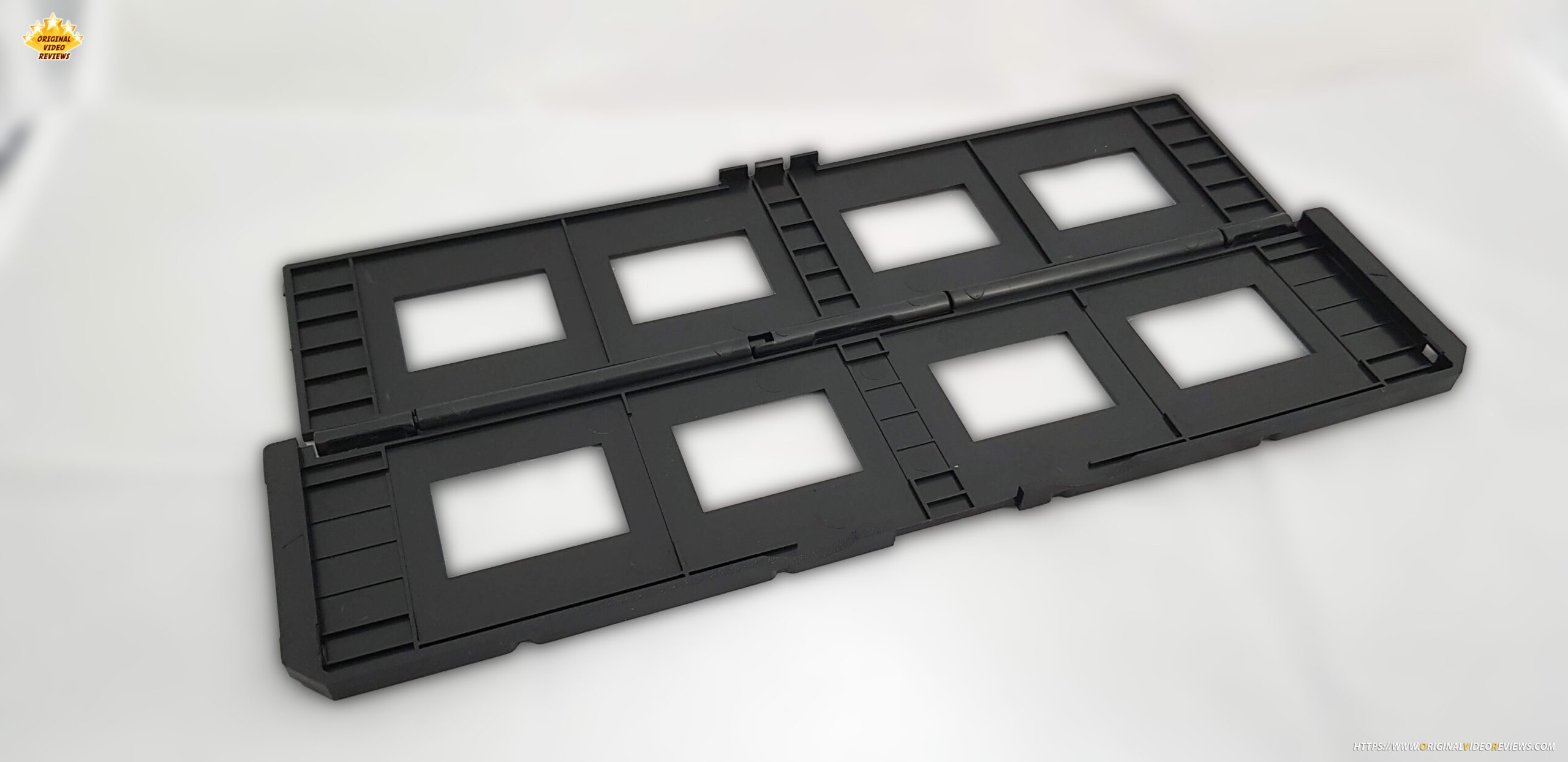
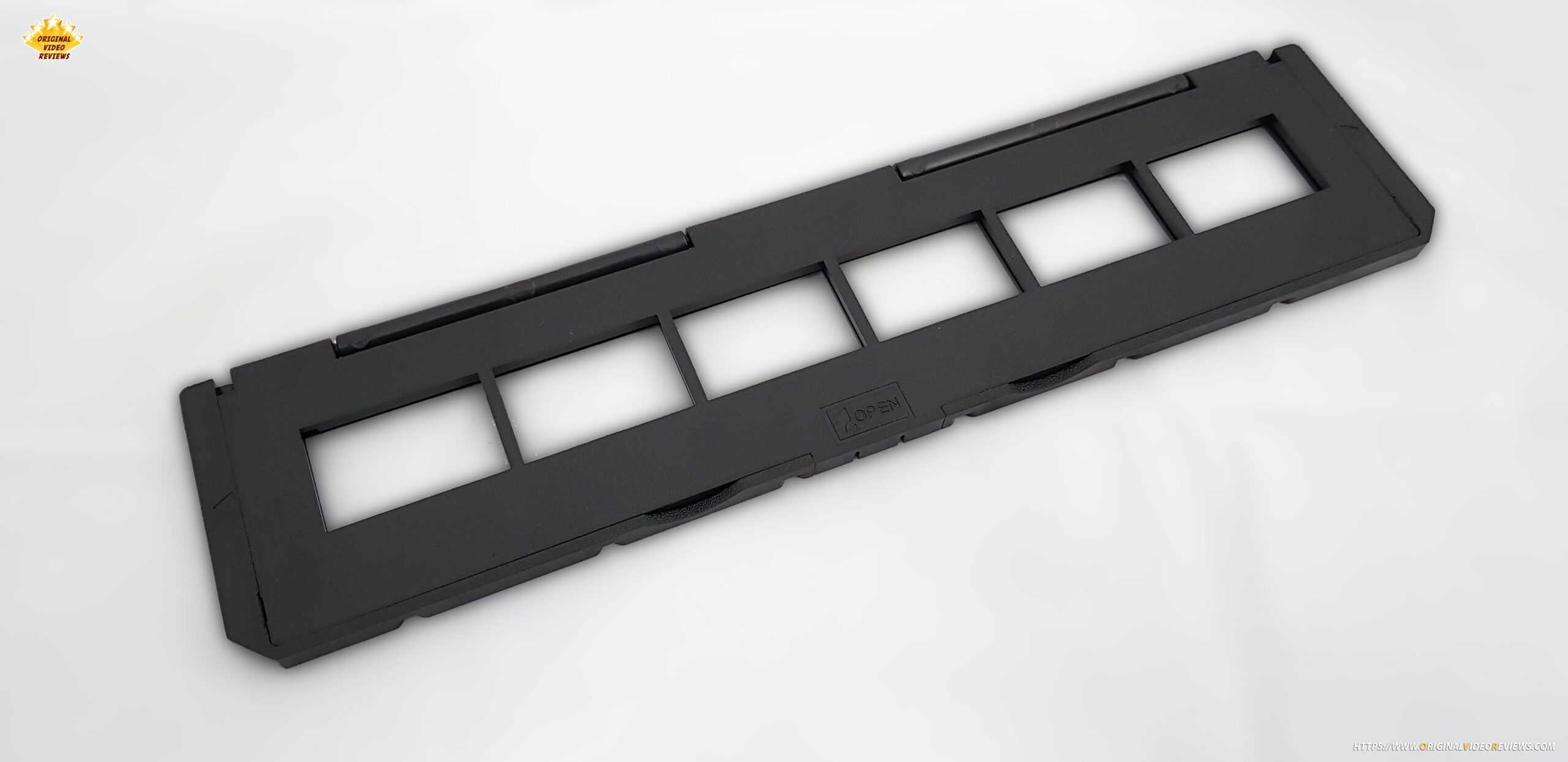
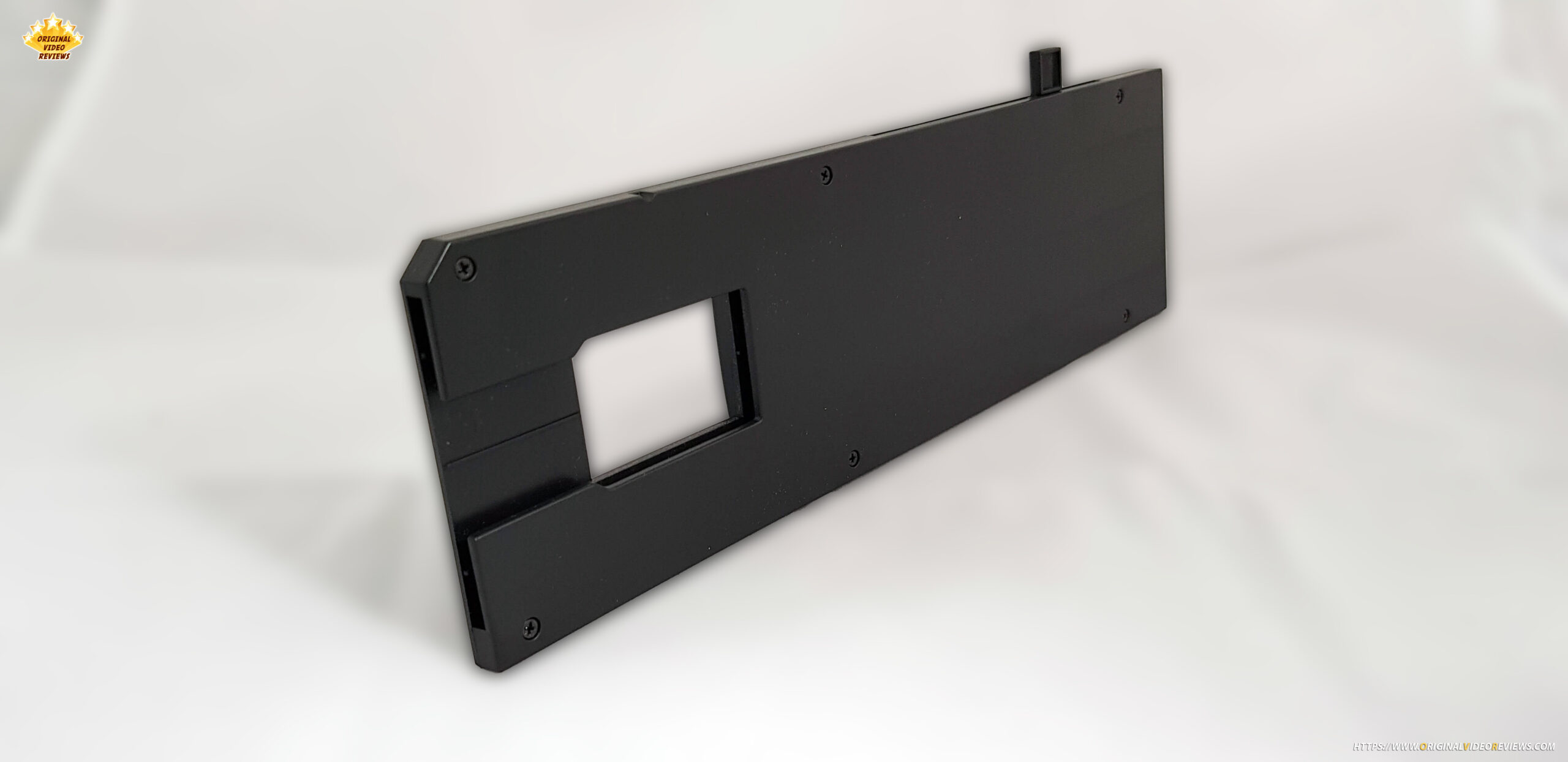
Film sliders x 3
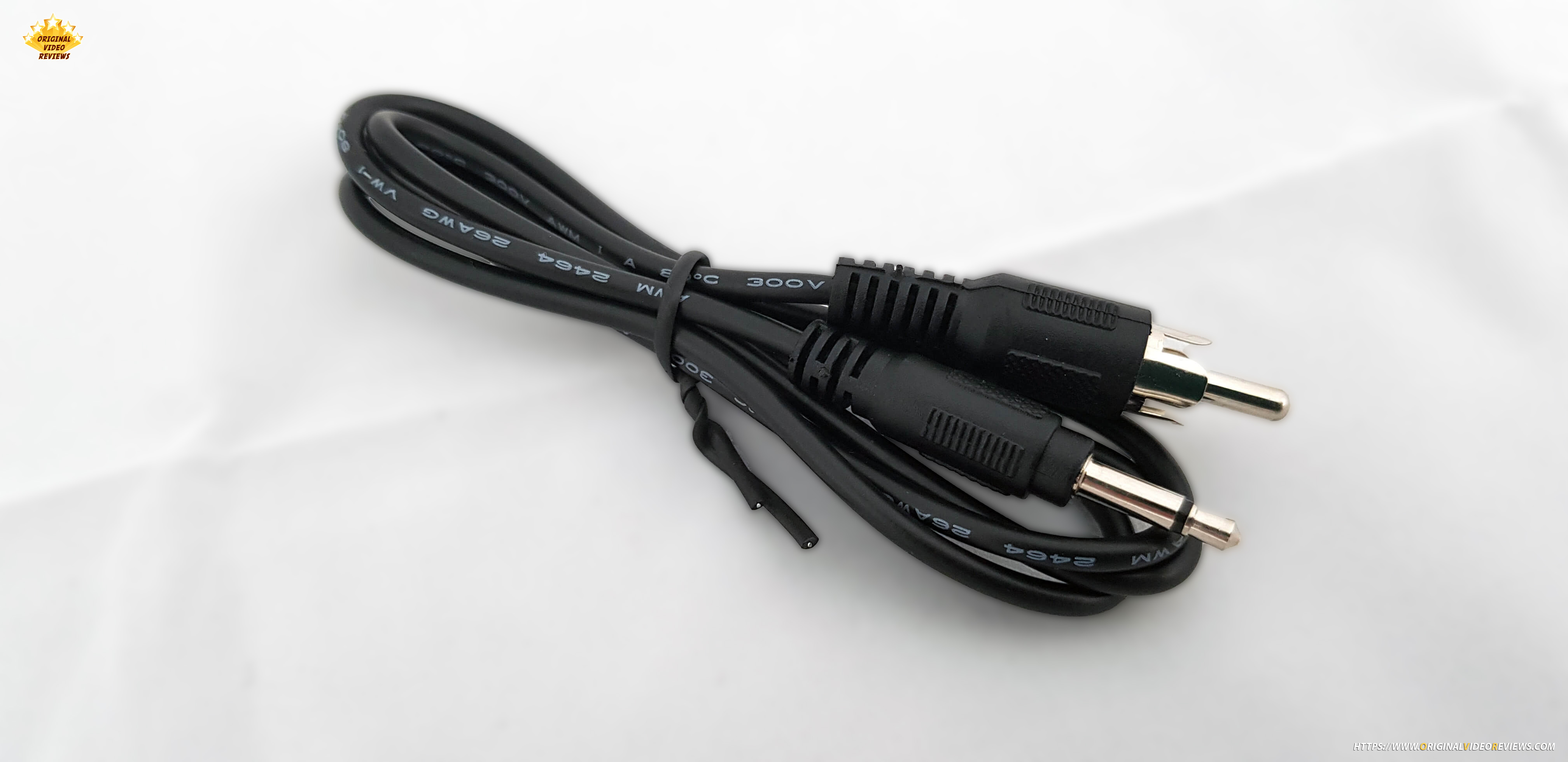
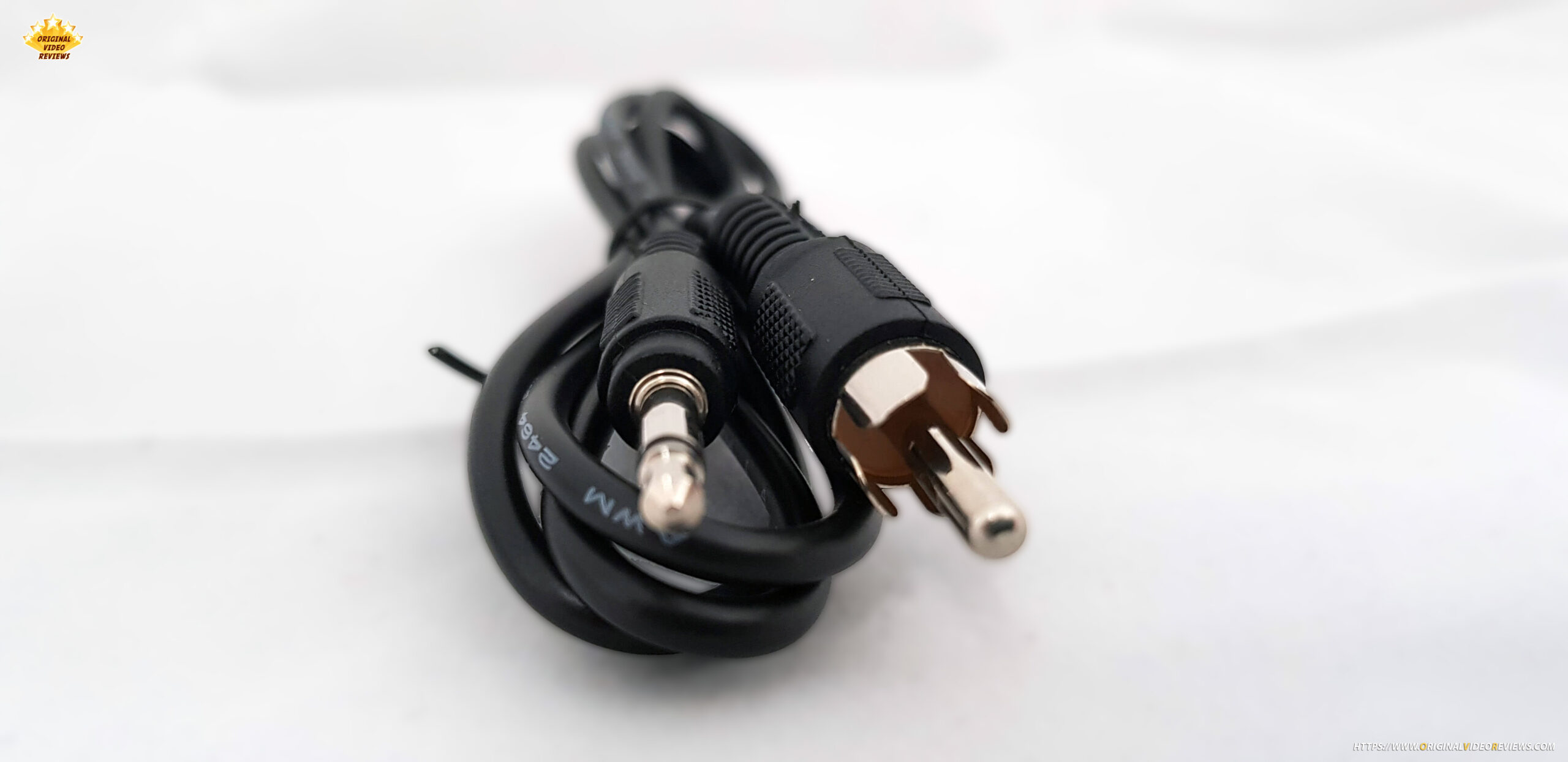
TV out cable x 1
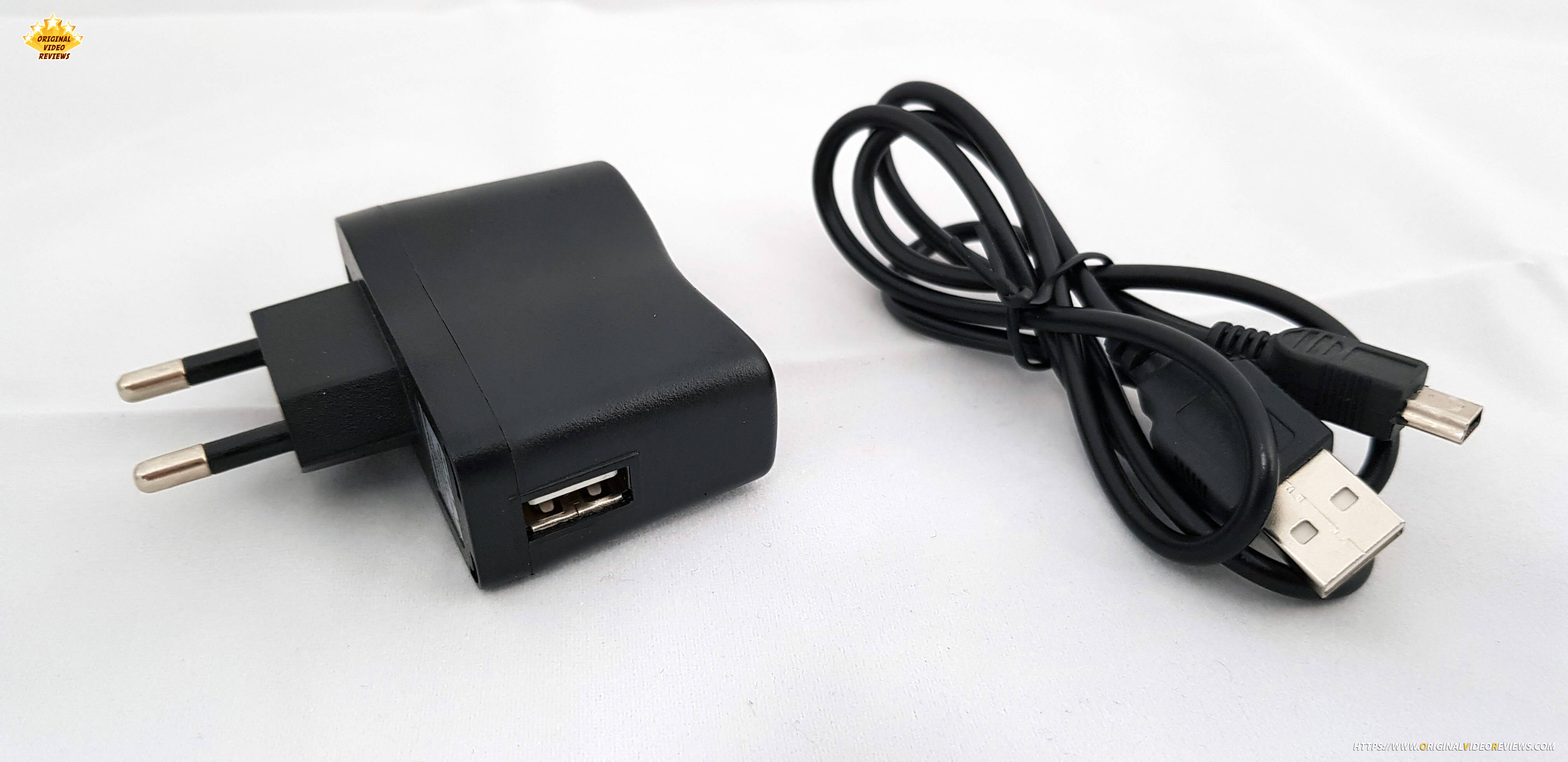
Power adapter x 1
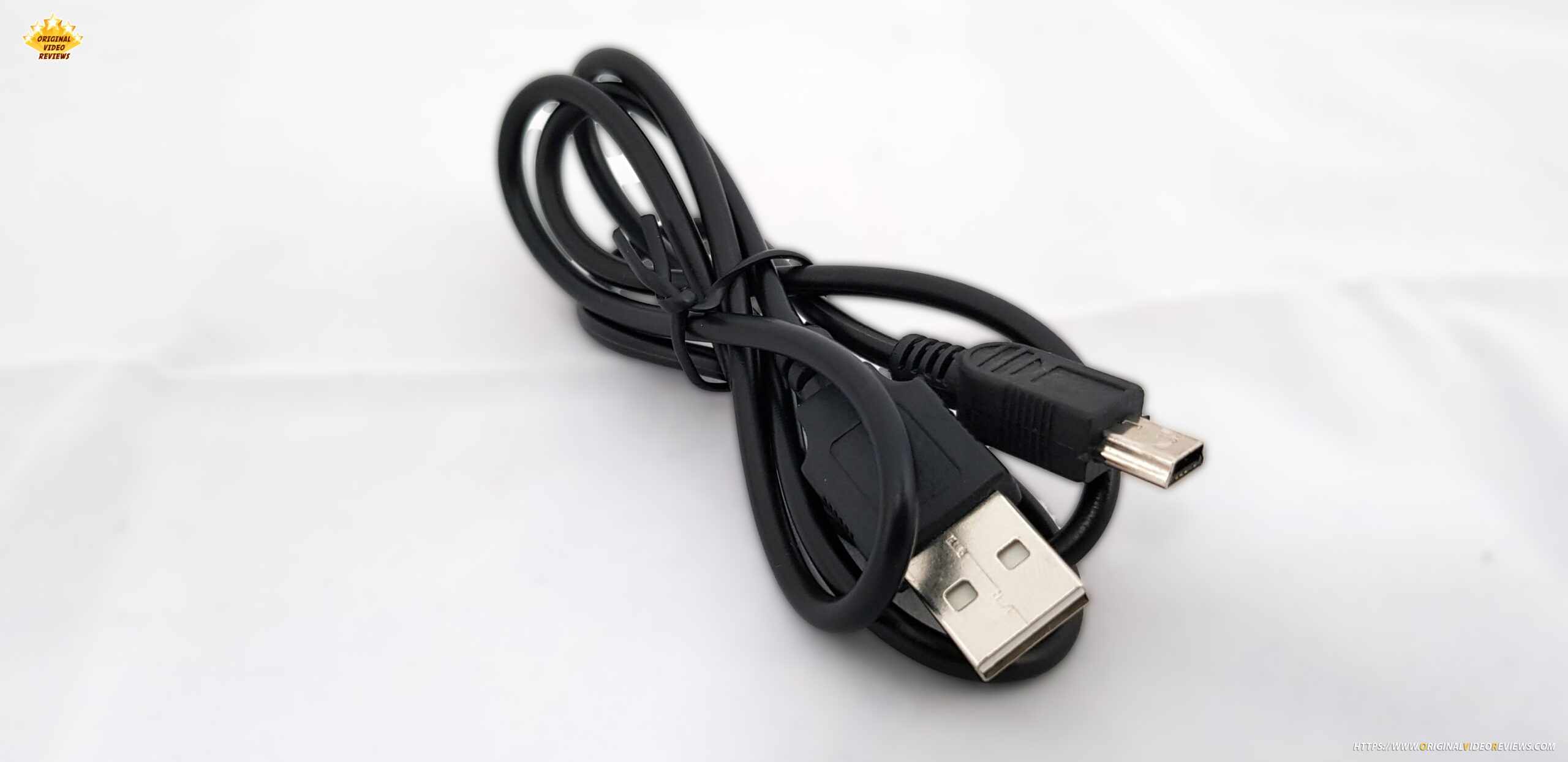
USB cable x 1
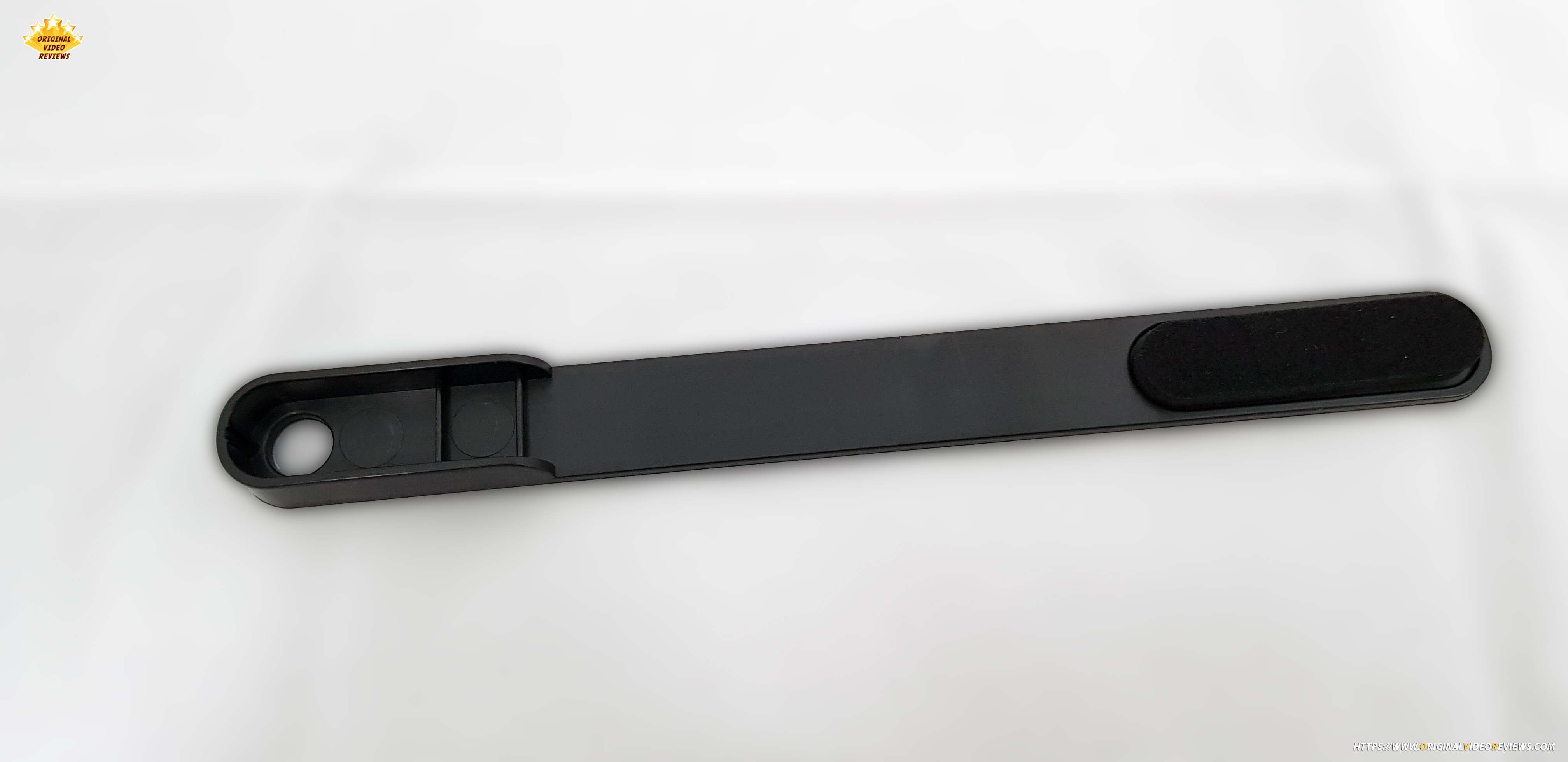
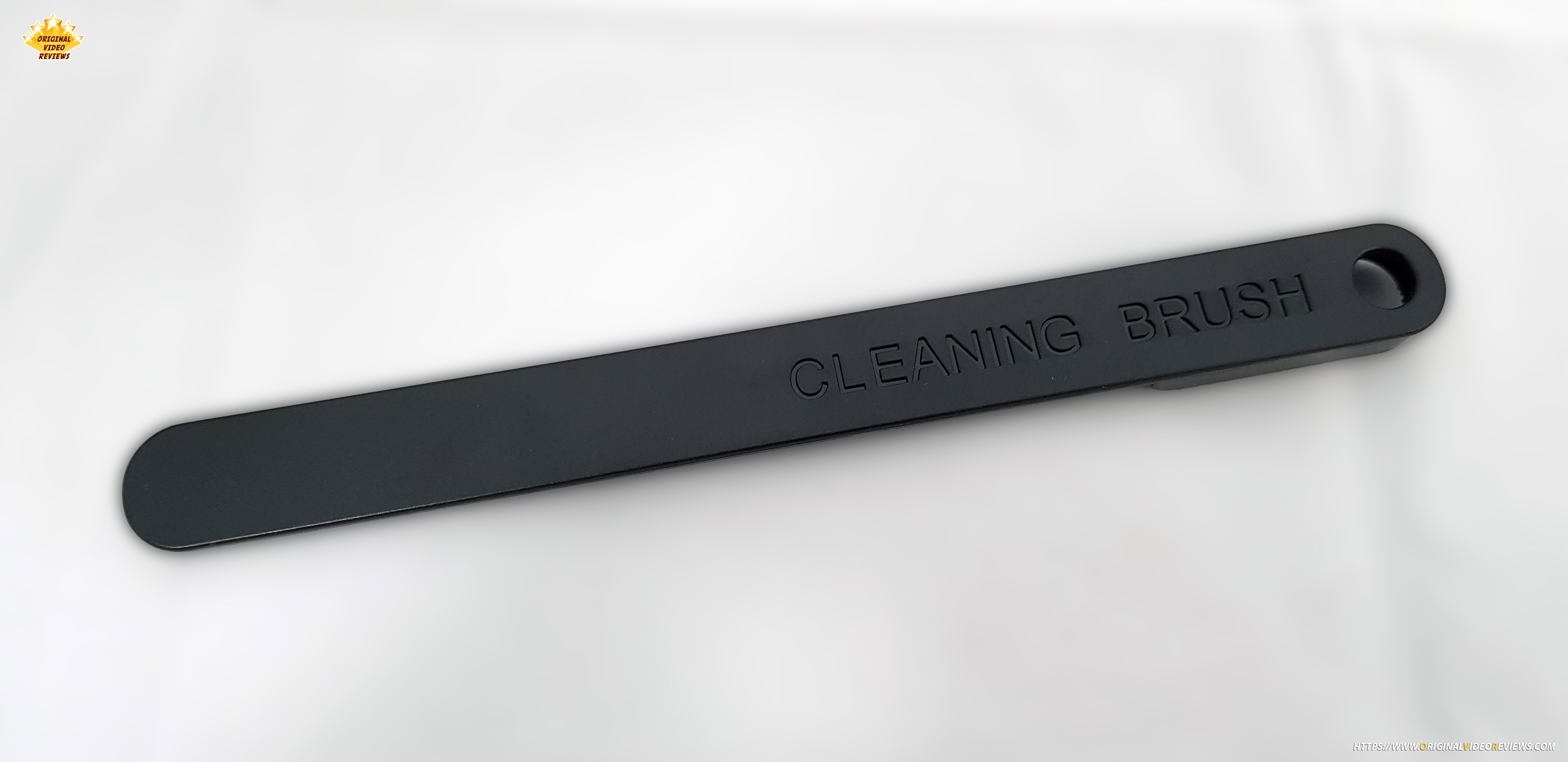
Cleaning brush x 1
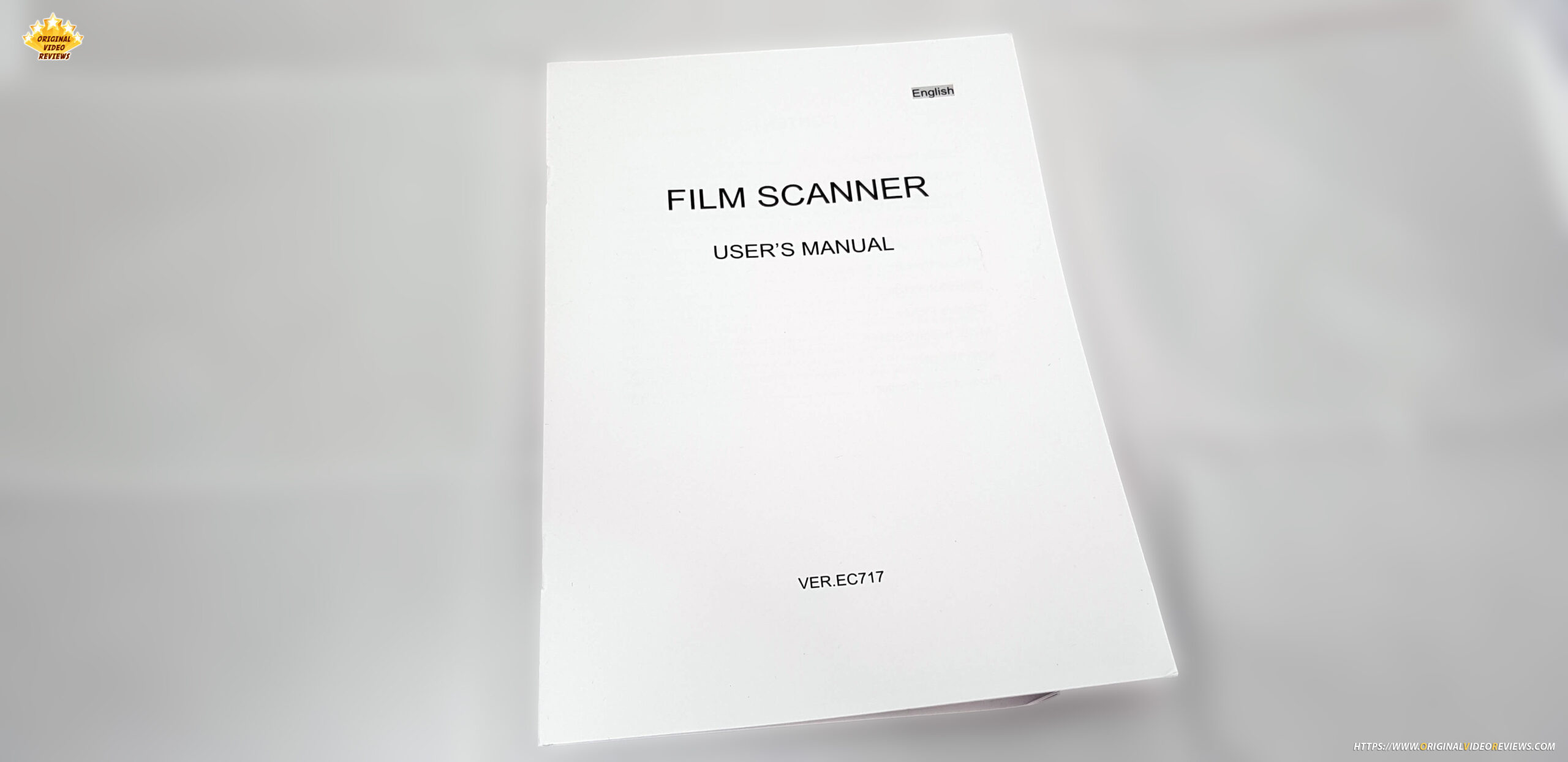
User Manual x 1
Pros
It works!
No need to install any software/application or connection to the computer (except the power supply itself).
It is very simple to operate the device itself (excluding figuring out how to use films, which not everyone is familiar with).
Cons
Built quality and screen resolution is simple.
Saves files only in JPEG (which is fine for me, yet maybe this will not be good for some people).
It feels like film feeders might break if you put too much pressure on them.
Photos
Where to buy
Below are links to purchase this USB negative film scanner (or similar models):
User manual
Additional links
I will update this info if required.
Comments
FAQ
Will this device work with my PC / MAC computer?
The scanner lets you save photos directly into the SD memory card. There’s no involvement of a PC or Mac computer in the scanning process.
Once you scan the negative, it saves the file into the memory card, and you can load the memory card on your computer (PC or Mac).
Subscribe OVR channels
Choose the channels you like and subscribe on YouTube.
Follow us
Explore more content, updates and fun moments on social media.
Disclaimer
This post contains affiliate links. Please check out my disclosure policy for more details.
Thank you for your support & understanding!